
ESP32 MSSQL Client
Microsoft SQL Server client for ESP32 over WiFi (not Ethernet)
Status: This project is a proof-of-concept implementation and requires further development, testing, and validation before production use.
Note: Unlike the other projects on this site, this client uses WiFi connectivity rather than Ethernet.
Overview
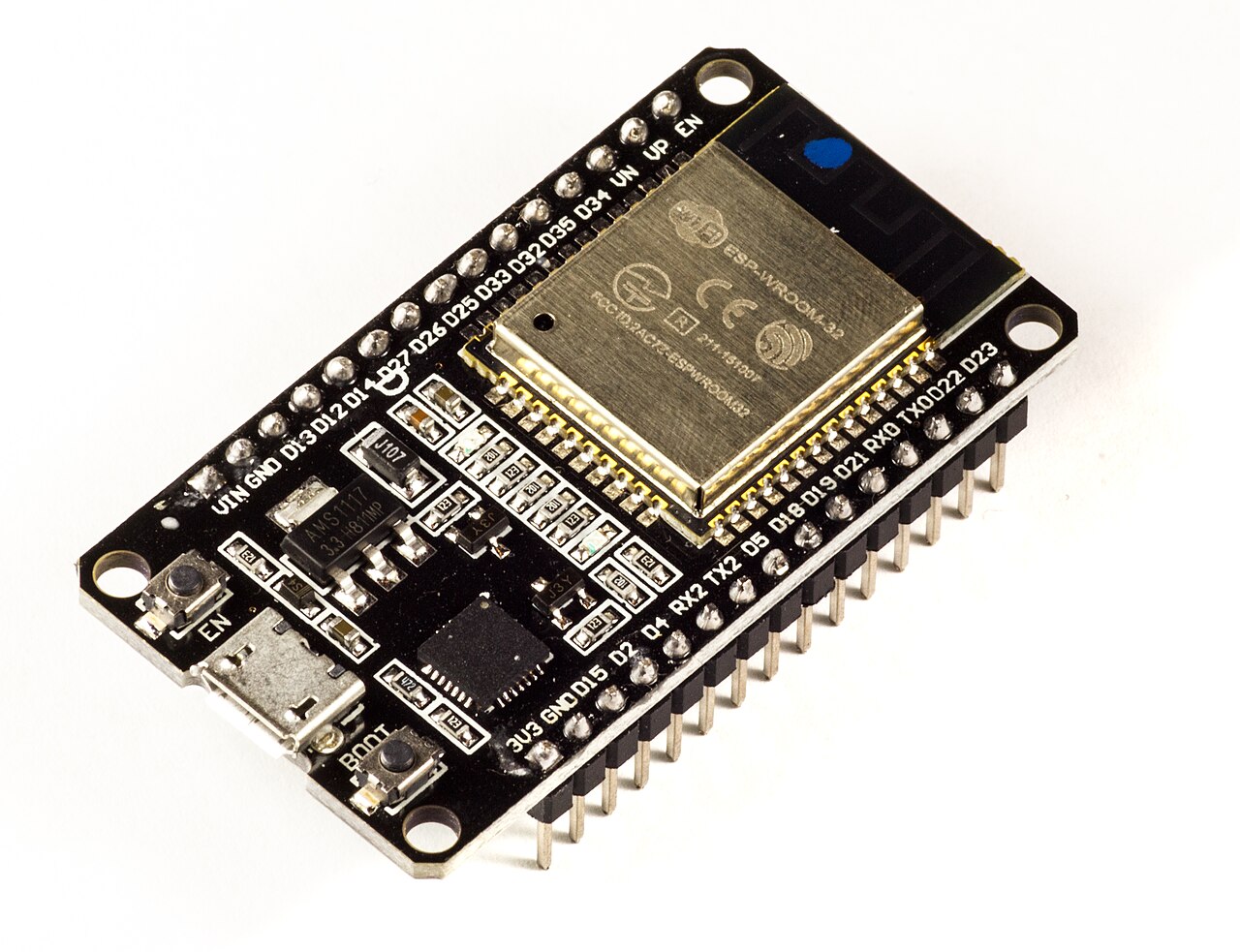
A complete ESP-IDF application for connecting ESP32 devices to Microsoft SQL Server databases. This project provides a complete solution for ESP32 devices to connect to Microsoft SQL Server databases, including a C/C++ client library wrapping the tdslite TDS protocol implementation, NVS-based credential storage with password obfuscation, and a web-based configuration interface.
The application automatically starts a web server when SQL credentials are not configured, allowing easy setup via a web browser. Once configured, the device can execute SQL queries (INSERT, UPDATE, DELETE, DDL statements) and store data directly in SQL Server databases.
Architecture
The project consists of the following components:
- ESP32_MSSQLClient: A C/C++ client library wrapping the tdslite TDS protocol implementation
- sql_credentials: NVS-based credential storage with password obfuscation
- web_server: HTTP server with web UI for configuring SQL credentials
- Main Application: Example application demonstrating WiFi connection, credential management, and SQL operations
Key Features
- Direct connection to Microsoft SQL Server: Uses the TDS (Tabular Data Stream) protocol
- Web-based credential configuration UI: Easy setup without code changes
- Secure credential storage: Credentials stored in NVS (Non-Volatile Storage) with password obfuscation
- Test connection functionality: Verify connectivity without saving credentials
- Automatic reconnection handling: Robust error handling and reconnection logic
- Thread-safe web server implementation: Safe concurrent access
- WiFi integration: Automatic reconnection handling for WiFi connectivity
- Comprehensive error handling: Detailed error messages and logging
- ESP-IDF v5.x compatible: Built for modern ESP-IDF versions
Hardware Requirements
- ESP32 development board: ESP32, ESP32-S2, ESP32-S3, ESP32-C3, etc. (Espressif)
- WiFi connectivity: WiFi network for device connectivity (not Ethernet)
- Microsoft SQL Server: SQL Server with TCP/IP enabled (default port 1433)
Software Requirements
- ESP-IDF: Version 5.0 or later
- tdslite: TDS protocol implementation (included as component)
- C/C++ development environment: VS Code, Eclipse, etc. recommended
Configuration
Initial Setup via Web UI
- Flash the application to your ESP32
- Connect the device to WiFi (configured in
main/main.c) - Wait for the device to start and connect to WiFi
- Check serial monitor for the web server IP address
- Open the IP address in a web browser
- Fill in SQL Server credentials (server, port, database, username, password)
- Click Test to verify connection (optional)
- Click Save to store credentials
- Device will reboot automatically after saving
Manual Configuration (Programmatic)
You can also configure credentials programmatically using the sql_credentials component API.
Usage
Basic SQL Operations
After credentials are configured, the device will automatically:
- Load credentials from NVS on boot
- Connect to SQL Server
- Create a
SensorDatatable (if it doesn't exist) - Periodically insert sensor readings
Supported Query Types
The client supports the following SQL operations:
- INSERT: Insert data into tables
- UPDATE: Update existing records
- DELETE: Delete records
- DDL Statements: CREATE TABLE, ALTER TABLE, etc.
Note: This function does NOT return result sets. Use only for INSERT, UPDATE, DELETE, and DDL statements.
API Documentation
ESP32_MSSQLClient API
Key functions provided by the client library:
esp32_mssql_client_create()- Create a new MSSQL client instanceesp32_mssql_client_connect()- Connect to SQL Server with credentialsesp32_mssql_client_execute_query()- Execute a SQL query (INSERT, UPDATE, DELETE, DDL)esp32_mssql_client_is_connected()- Check if client is currently connectedesp32_mssql_client_disconnect()- Disconnect from SQL Serveresp32_mssql_client_destroy()- Destroy client instance and free resources
esp32_mssql_client_set_timeout() - Set connection and operation timeout
SQL Credentials API
sql_credentials_load()- Load credentials from NVSsql_credentials_save()- Save credentials to NVSsql_credentials_clear()- Clear all stored credentialssql_credentials_is_valid()- Validate credential structure
Security Considerations
Password Storage
Passwords are obfuscated before storage in NVS using a simple XOR cipher. This provides:
- NOT encryption: Passwords are obfuscated, not encrypted
- Basic protection: Protection against casual inspection of NVS contents
- Production note: For production use, consider implementing proper encryption
Network Security
- The web server runs on the local network only (not exposed to internet)
- No authentication on web UI (assumes trusted local network)
- For production, consider adding HTTP authentication, HTTPS/TLS, and rate limiting
WiFi vs Ethernet
Important: Unlike the other projects on this site, this client uses WiFi connectivity rather than Ethernet. This makes it suitable for applications where WiFi is preferred or required, but it is not designed for the deterministic, industrial-grade networking that Ethernet provides.
Example Application
The example application demonstrates:
- WiFi connection and automatic reconnection
- Credential loading from NVS
- SQL Server connection and query execution
- Periodic sensor data insertion into a
SensorDatatable
License
This project is licensed under the MIT License. The project uses the tdslite library, which is also licensed under the MIT License.